
Checking for updates
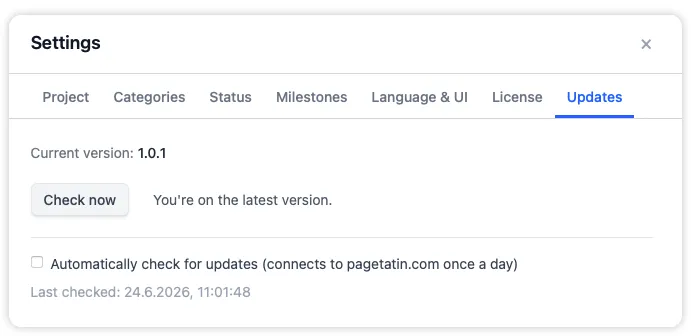
The update feature lets you check for new versions manually or automatically. Once a new version is available the app will tell you which version you can download. For all changes you can consult the version history in this help centre.
You can access the update feature either in the Settings panel under the Updates tab, or in the PageTatin menu on macOS or in the Help menu on Windows.
What’s next
Section titled “What’s next”- Read what’s new in the latest release on the Version 1.0.1 page.
- Browse the full release history under Version History.